

Free
Get started
$0/ month
Run general health checks on one vehicle and see your latest results.
Get Started (Free plan)
The engine diagnostics app
EngineEar helps you record engine sound, monitor vehicle health, and get AI-powered insights before small problems become big ones. Keep your garage healthy and get back to what you love: driving.


5K+Drivers trust EngineEar
4.8/5
App Store rating
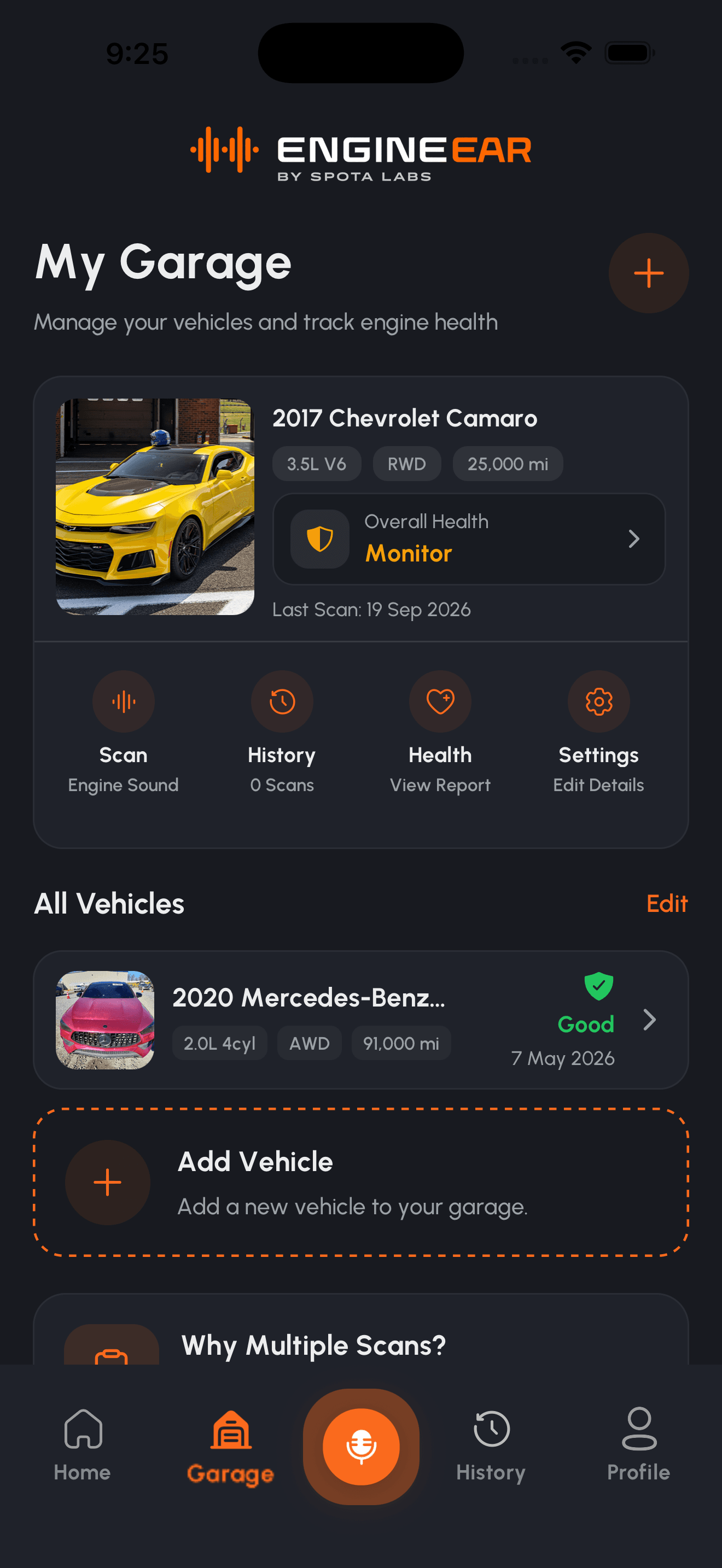
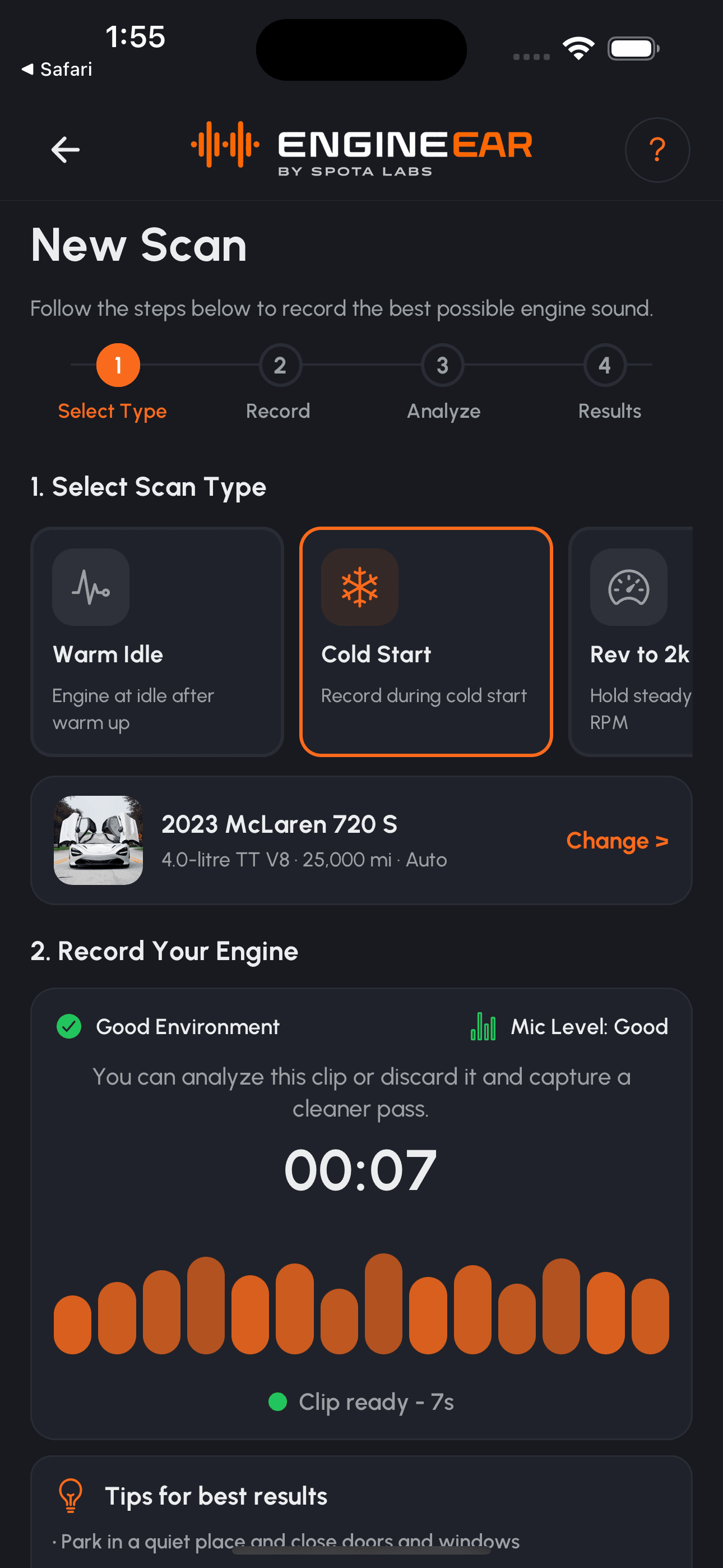
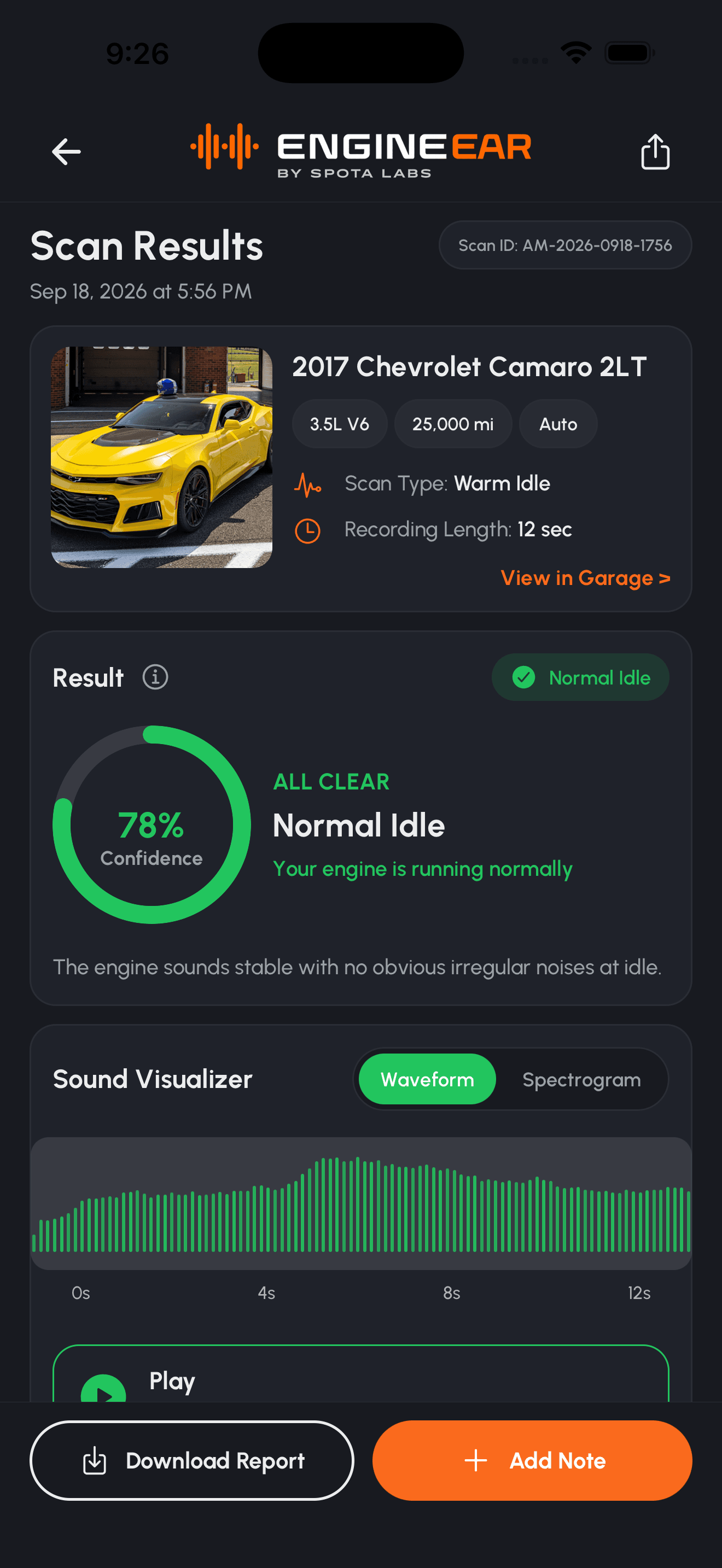
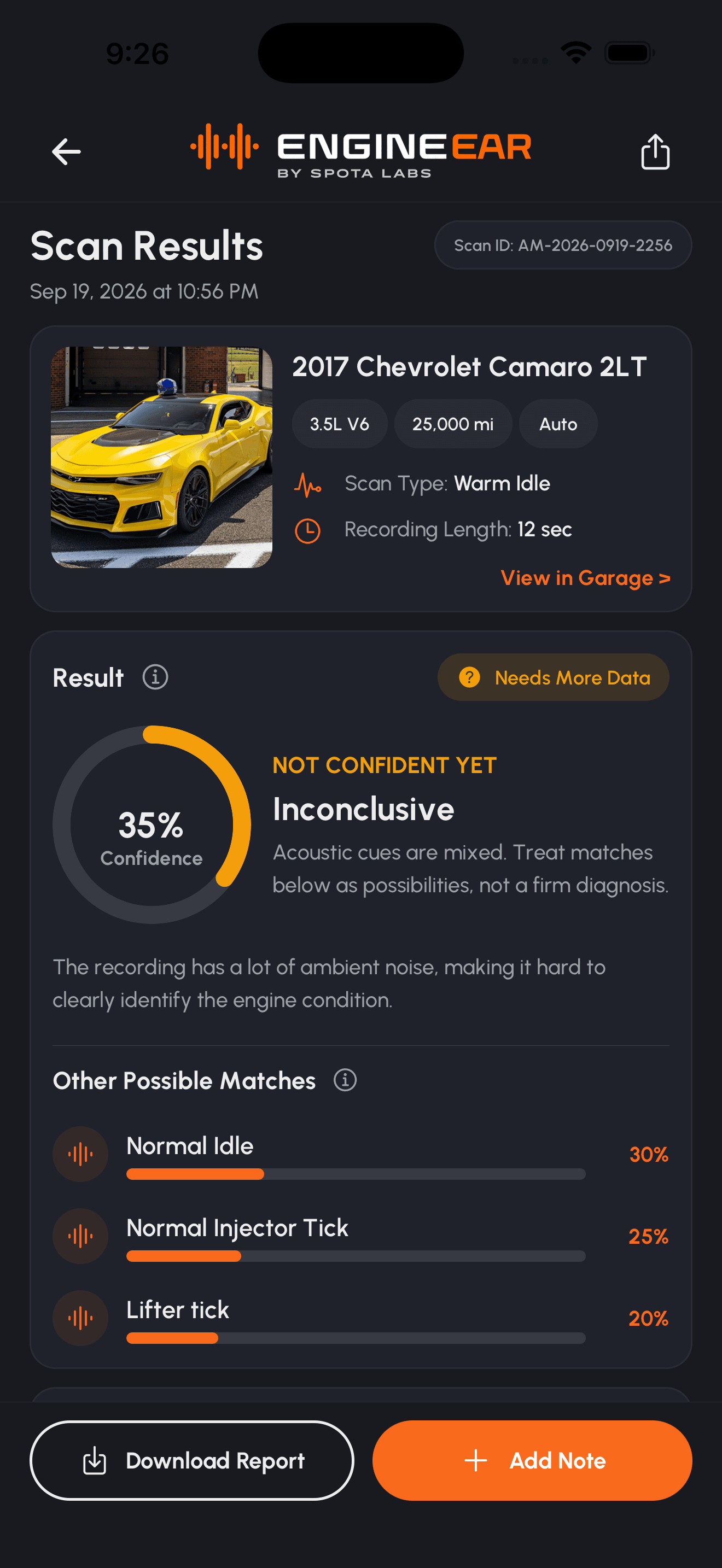
Record engine sound with guided scan flows.
Monitor engine condition over time.
Keep all your vehicles in one place.
Look back at past scans and compare results.
Easy-to-understand insights and recommendations.
How it works
A guided scan takes about a minute. Pick the right scan, record, and EngineEar turns the audio into a health report you can actually use.
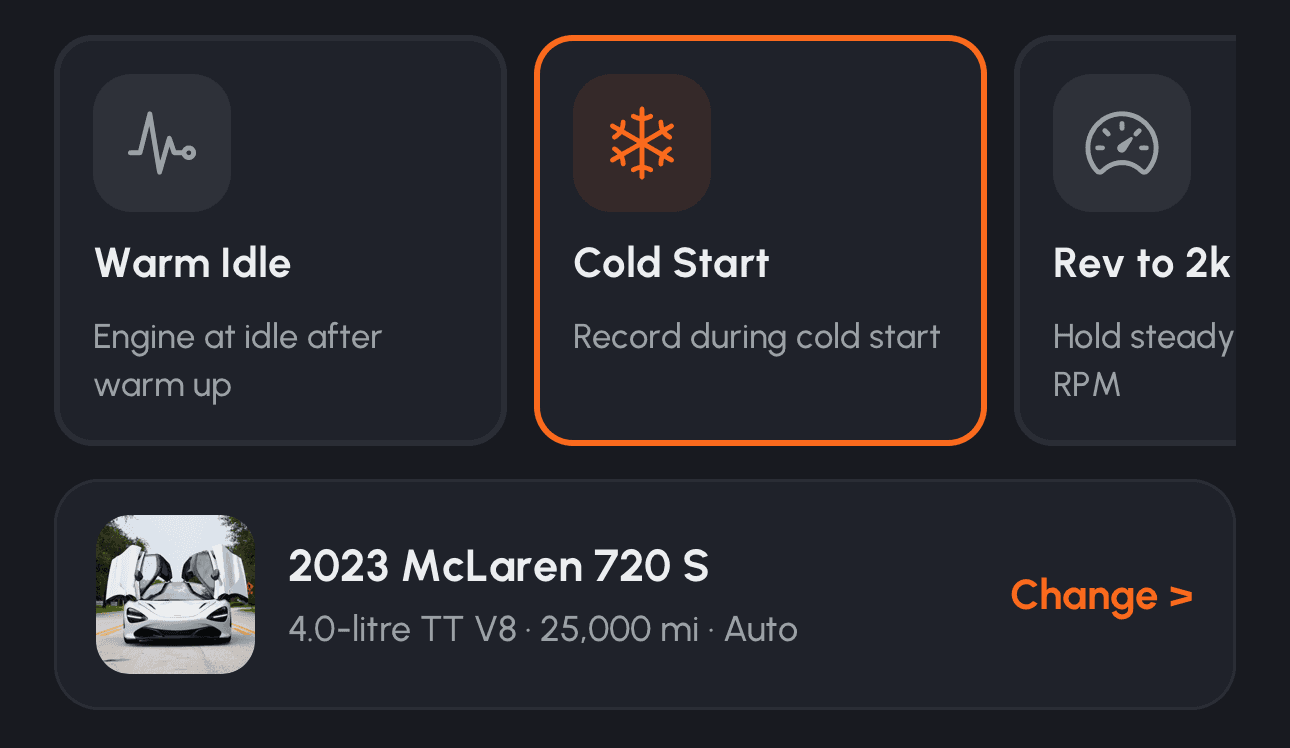
General health check, idle, cold start, rev, etc, each tuned to hear different issues.
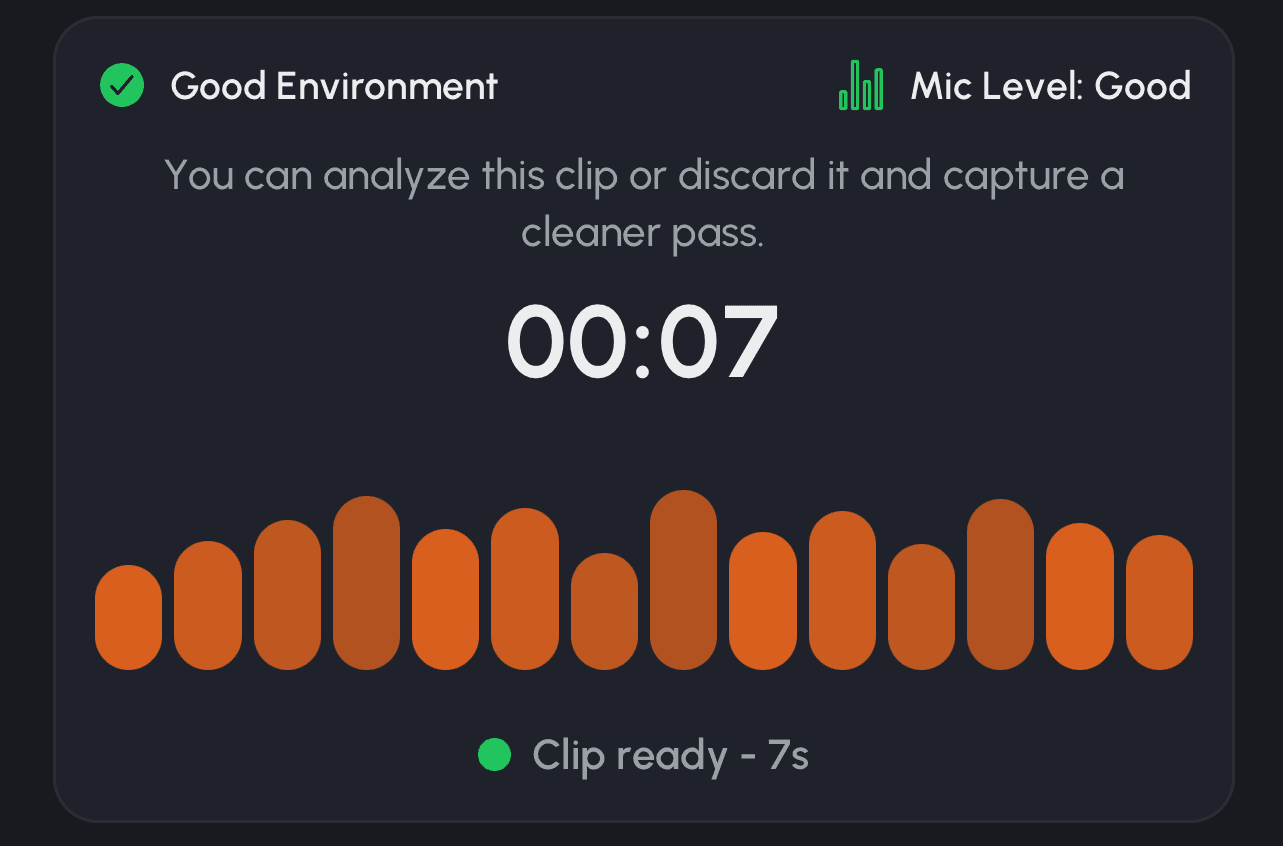
Follow the on-screen guide while your phone captures clean engine audio.
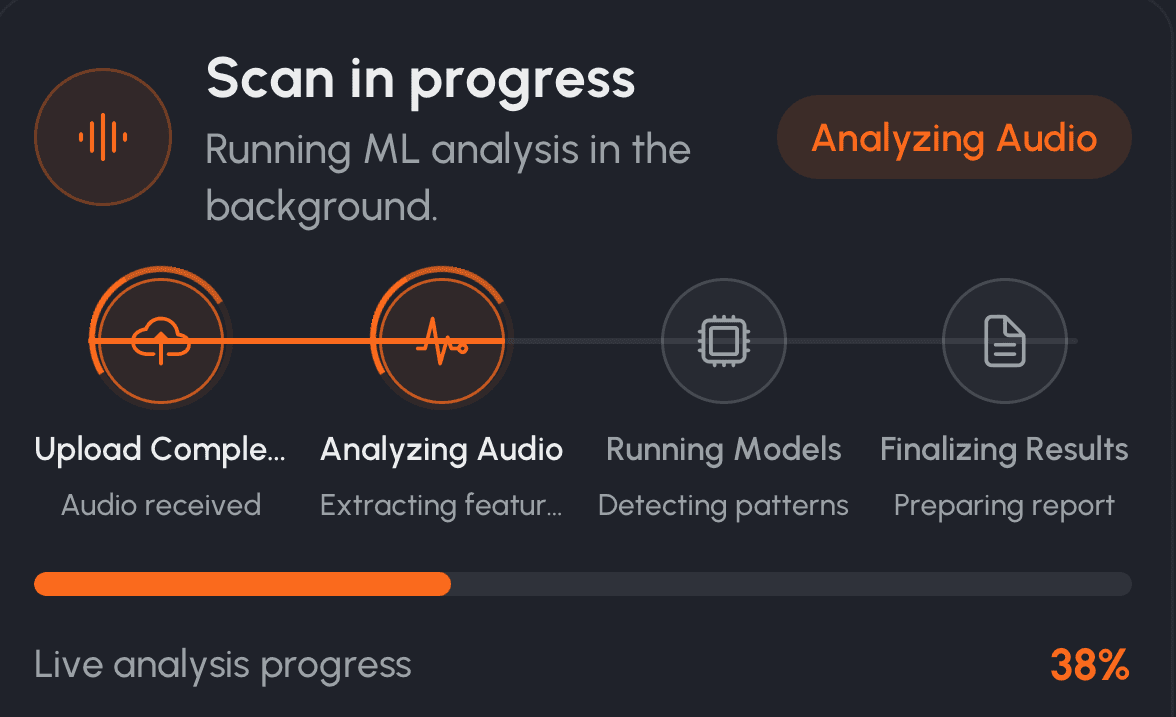
Our models compare the recording against patterns linked to common problems.
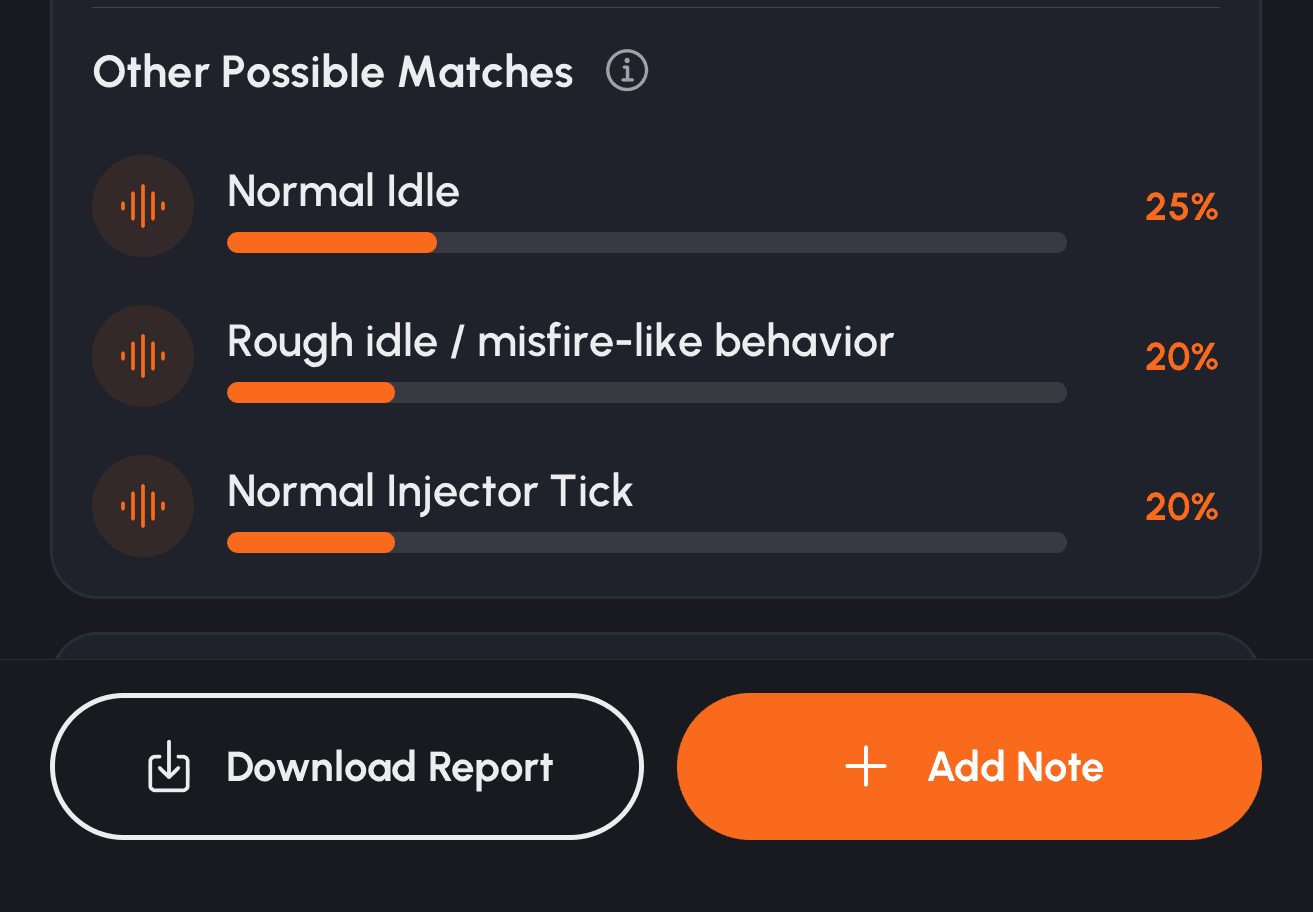
Get a clear health status, what was detected, and what to do next.
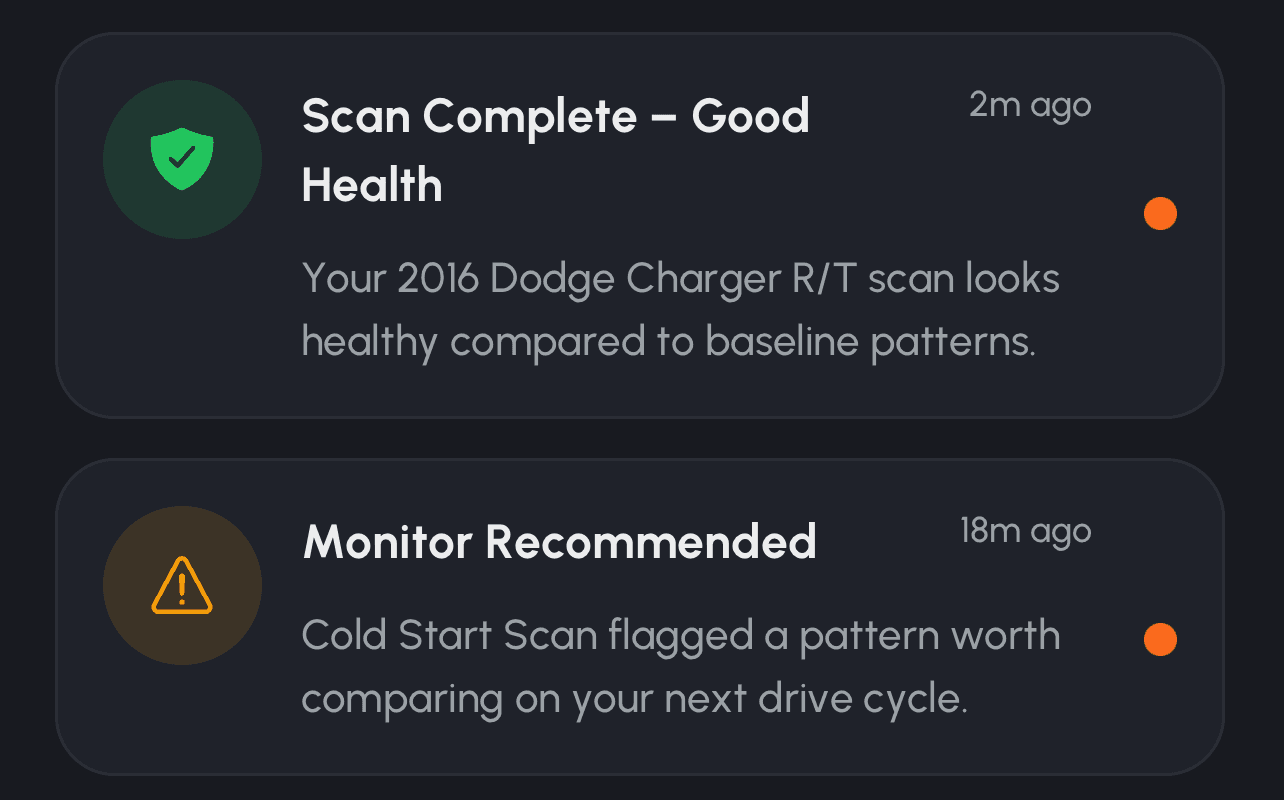
Scan again later and watch how your engine's health changes.
Built for drivers
EngineEar gives you the tools to understand your engine's health, catch issues early, and keep your vehicles on the road longer.
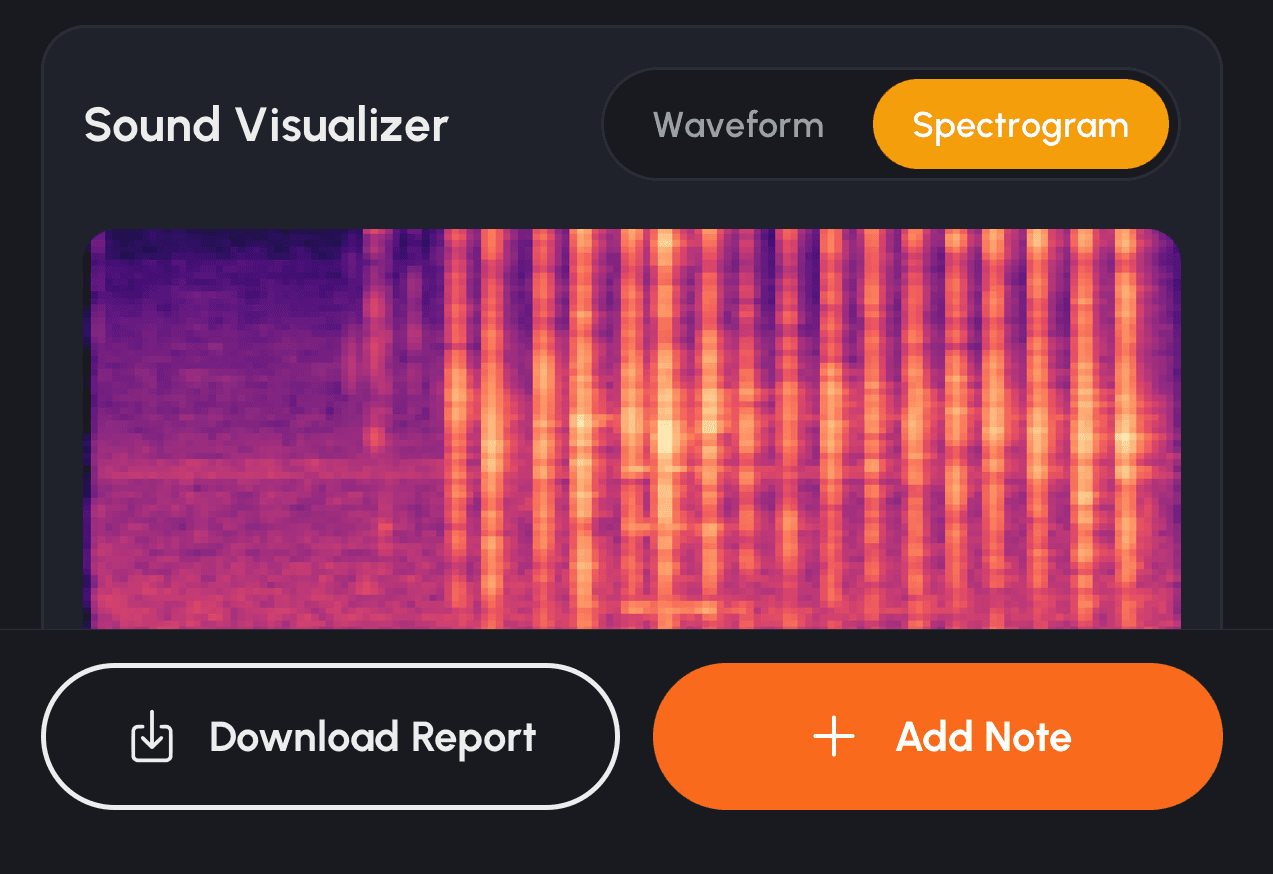
Our models analyze engine audio to detect potential issues and trends over time.
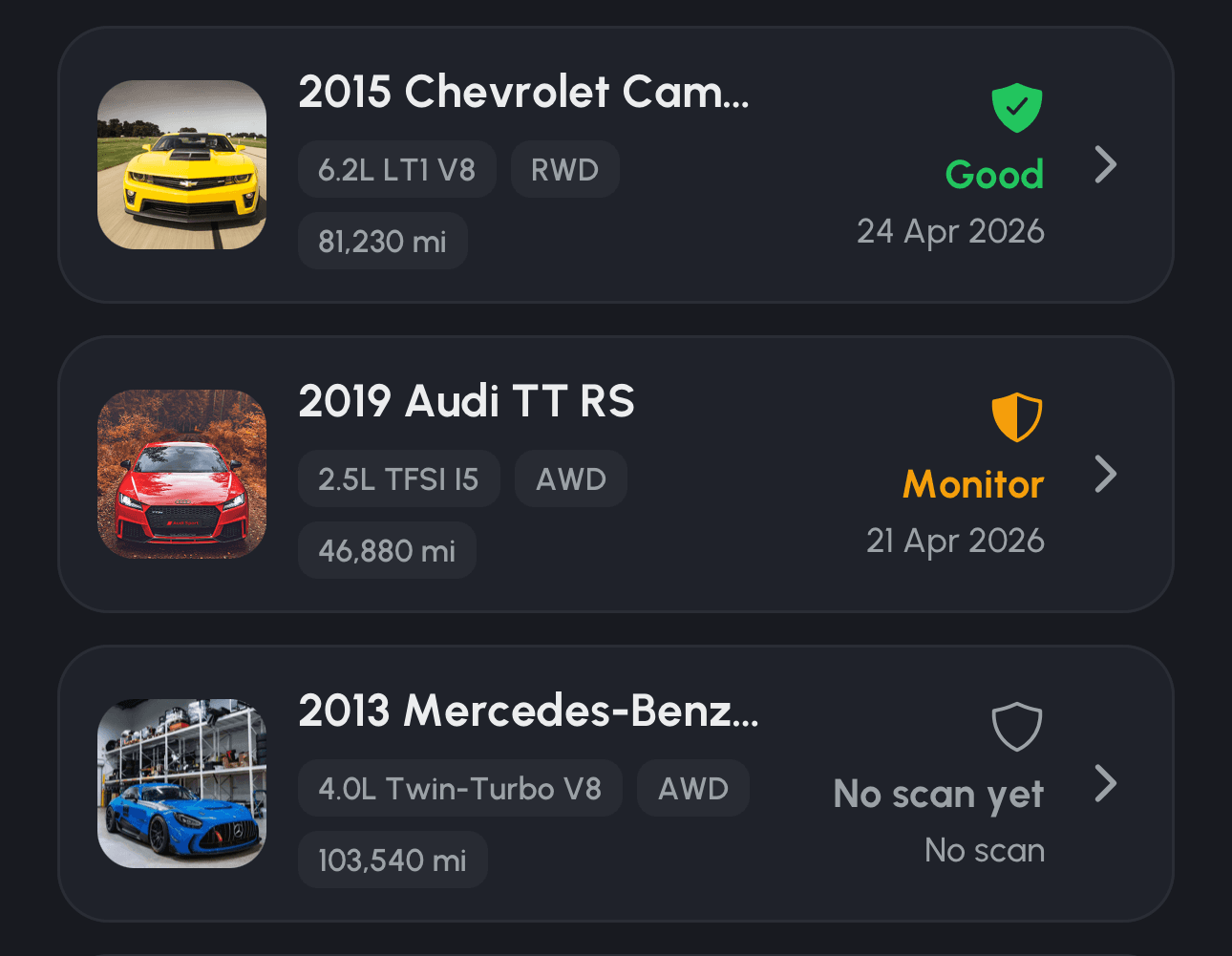
Track all your vehicles in one place, from daily drivers to weekend builds.
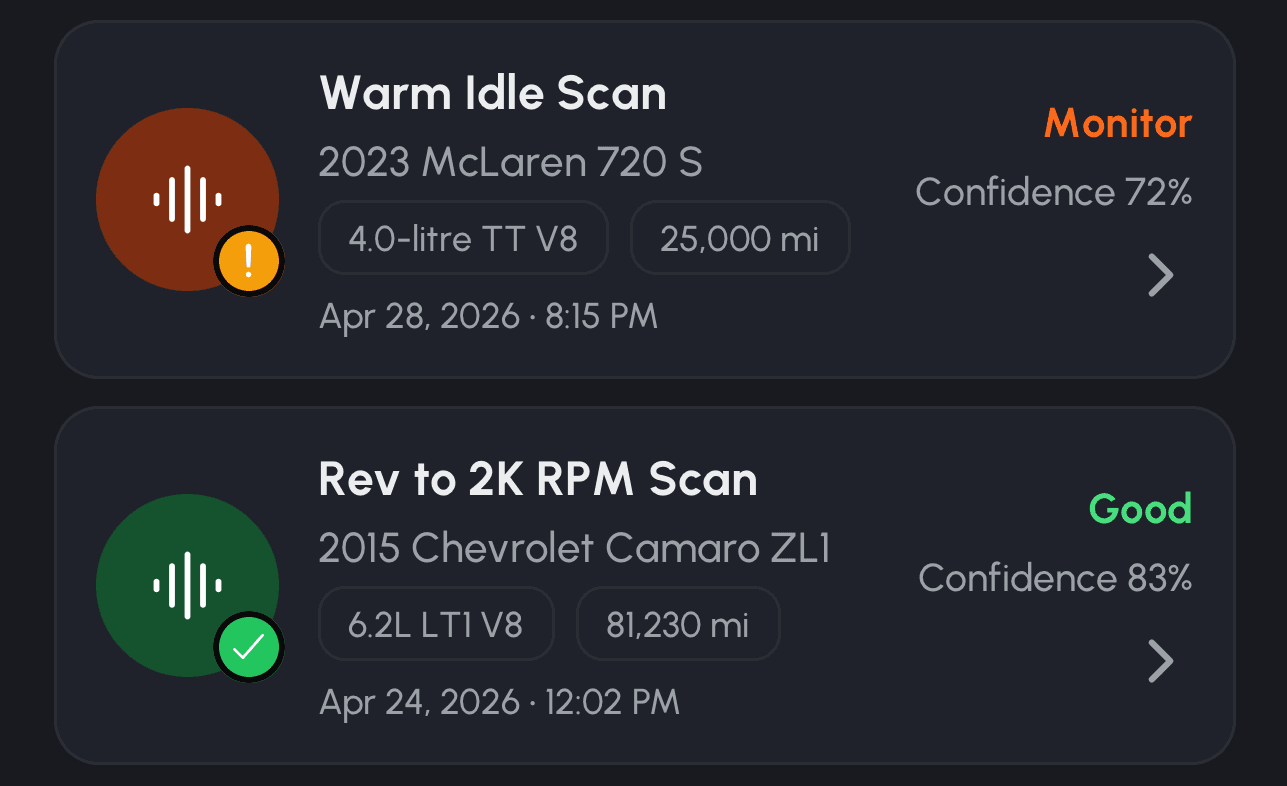
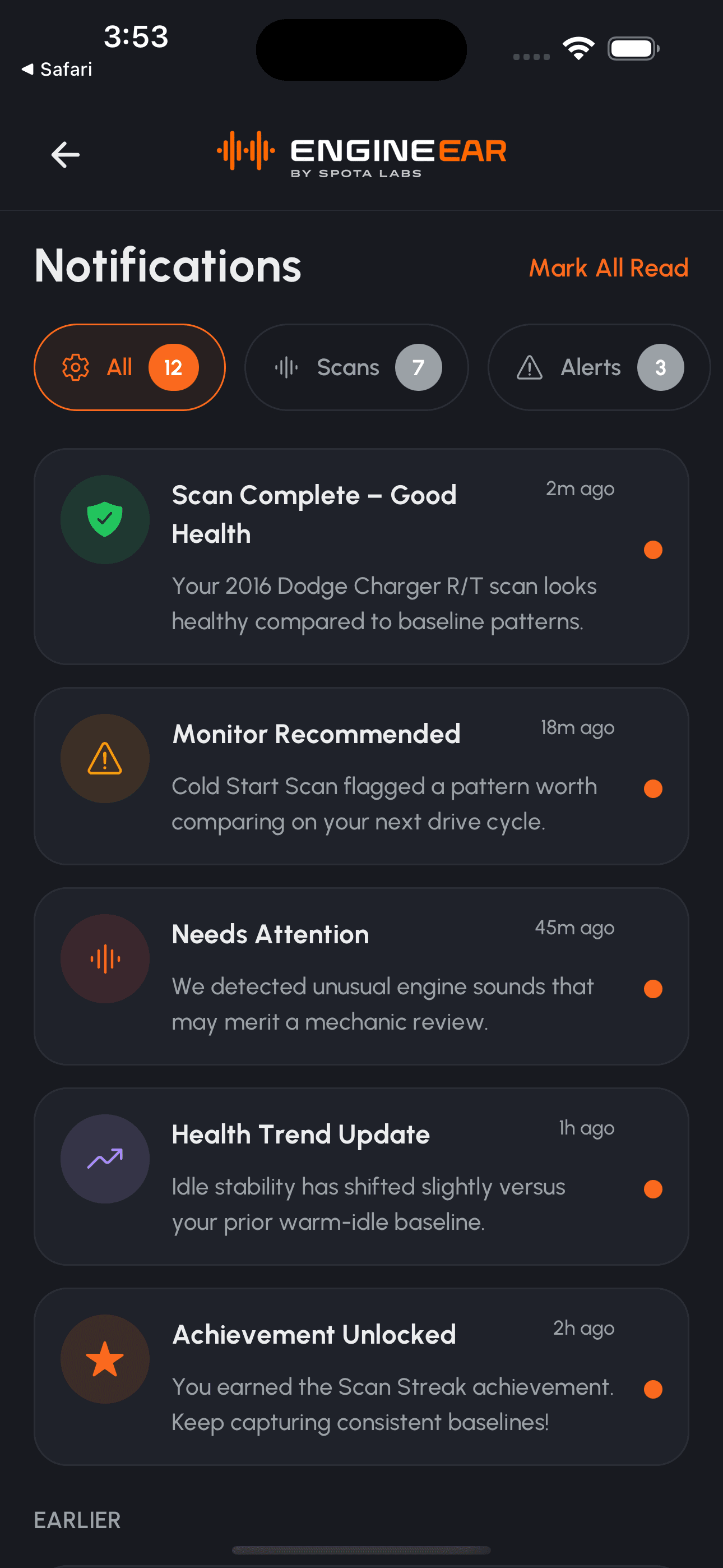
See a clear health status and get alerts when something needs attention.
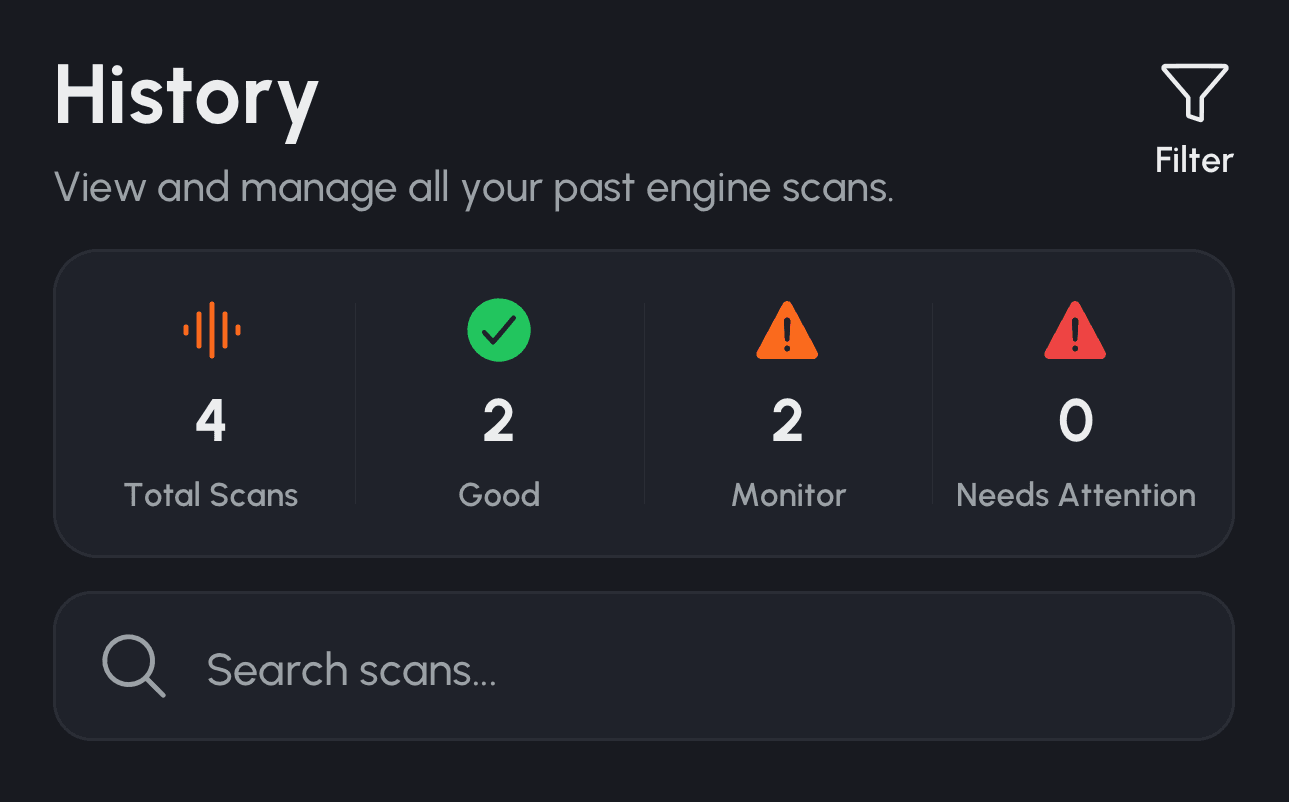
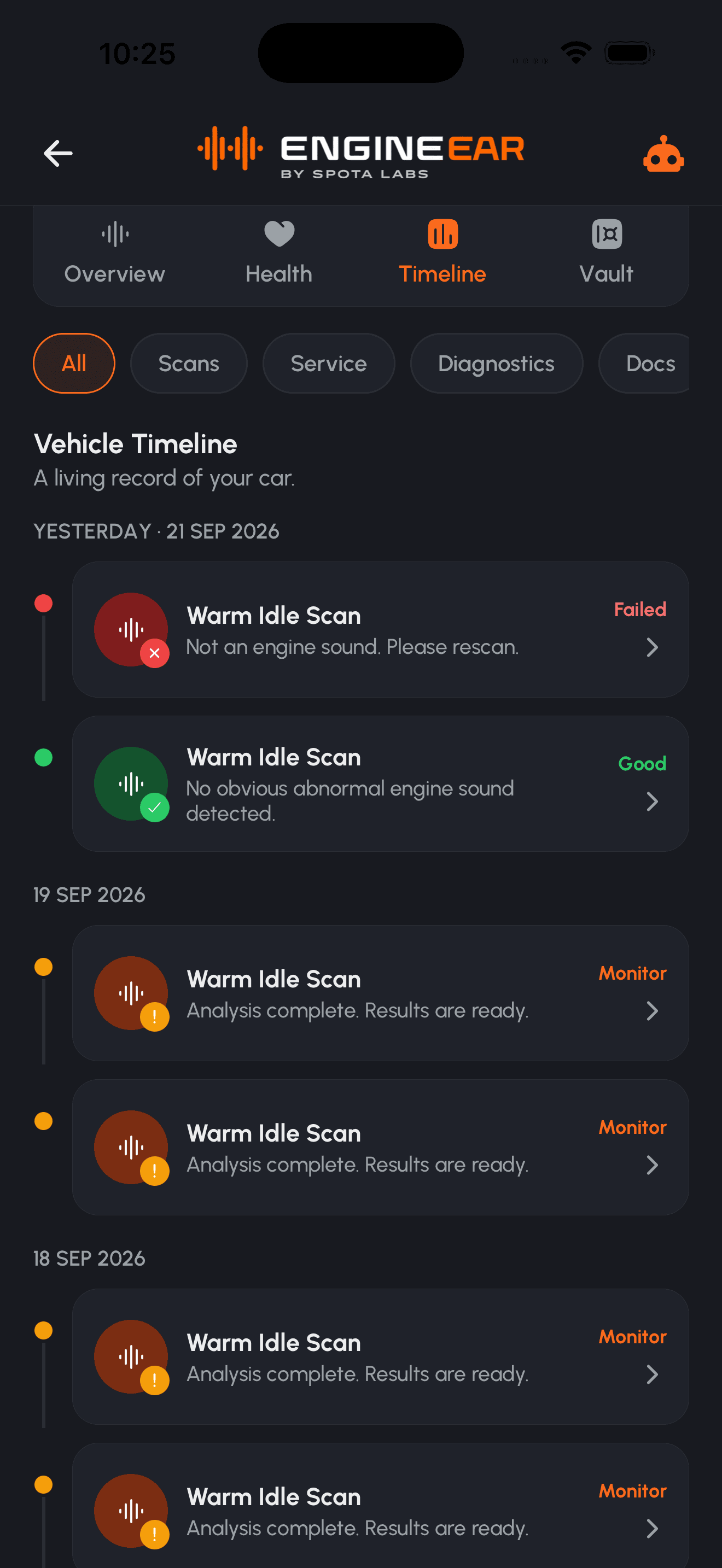
Compare past scans and watch your engine's health over time.
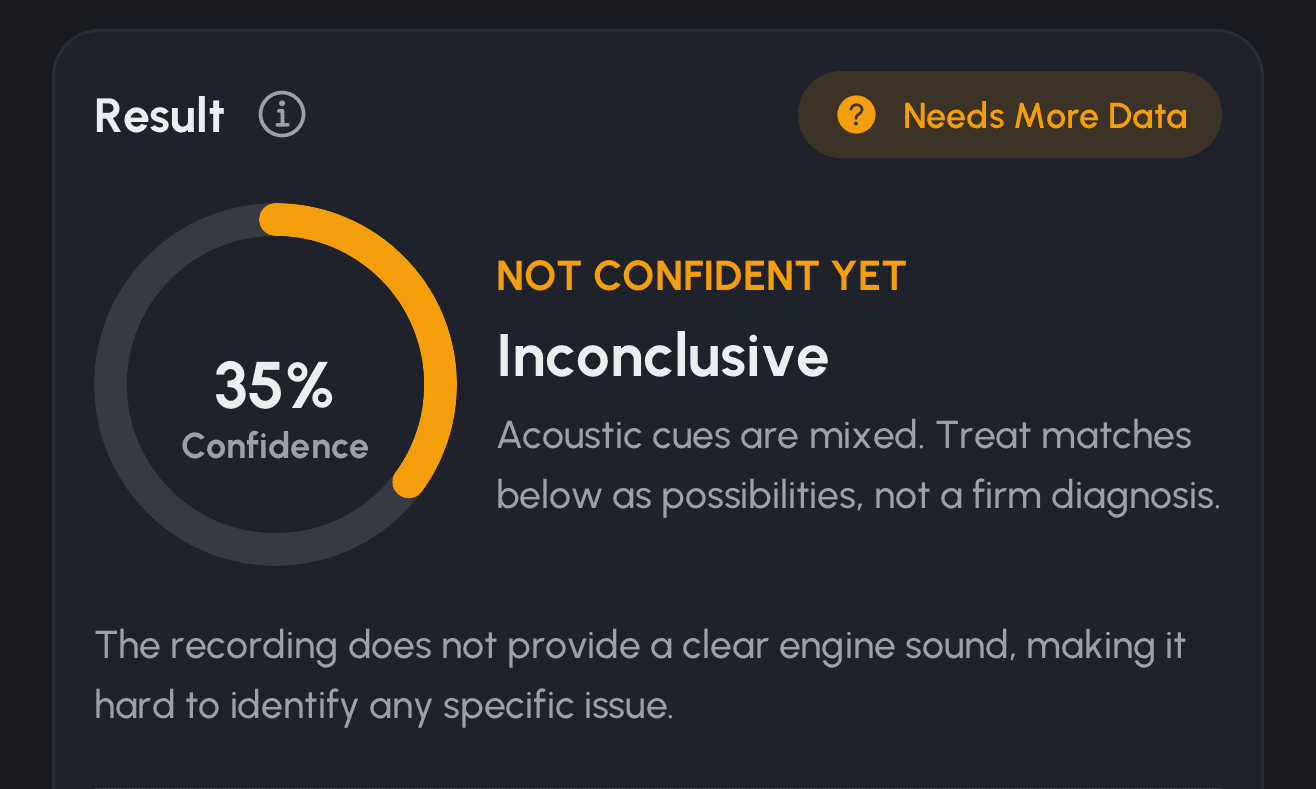
Get simple, shareable reports with insights and recommendations.
App screenshots
All your vehicles in one place.
Guided scan flows for every situation.
Simple, seamless recording.
Clear results and recommendations.
Track progress over time.
Plain-language next steps.
Pricing
Start with free engine scans. Upgrade to Turbo for your whole garage, full scan history, detailed reports, and every scan type.
Get started
$0/ month
Run general health checks on one vehicle and see your latest results.
Get Started (Free plan)Most popular
Know your engine inside out
$4.99/ month
Every scan type, your whole garage, full history, and detailed shareable reports.
Get Turbo (Turbo plan)The complete experience
$19.99/ month
EngineEar Turbo plus the premium tier of all 7 SpotaLabs apps and future releases.
Get Twin Turbo (Twin Turbo plan)| Features | FreeGet started | Turbo$4.99 / month | Twin Turbo$19.99 / month |
|---|---|---|---|
| Ecosystem | |||
| SpotaLabs ecosystemAccess to all 7 SpotaLabs apps and future releases | Only EngineEar
| EngineEar Premium
| All 7 apps included
|
| Scans | |||
| General health checkOverall engine health scan | Included | Included | Included |
| Specialist scansIdle, rev and drive scans for specific issues | Not included | Included | Included |
| Scan historyPast scans and health trends | Latest scan | Full history | Full history |
| Garage | |||
| VehiclesVehicles you can track | 1 vehicle | Whole garage | Whole garage |
| Health alertsGet notified when something needs attention | Not included | Included | Included |
| Reports | |||
| Detailed reportsShareable reports with insights and recommendations | Summary | Detailed | Detailed |
Download EngineEar and start listening today. Catch small problems before they become big ones.
50K+Vehicles monitored
250K+Engine scans completed
1.2M+Minutes of engine audio
180K+Reports generated


