Product update5 min read
Meet your car's AI companion.
Every car in EngineEar can now have its own companion: styled after your car, named by you, and smarter about your car with every record you add. Text it, talk to it, and let it coach your scans.
 By SpotaLabs Team
Looking after a car is mostly remembering things. When were the brakes done? What did the inspection say? Is the oil change due, or was that last spring? EngineEar already keeps all of that: scans, service history, the Vault, maintenance plans and recalls. What it didn't have was a personality.
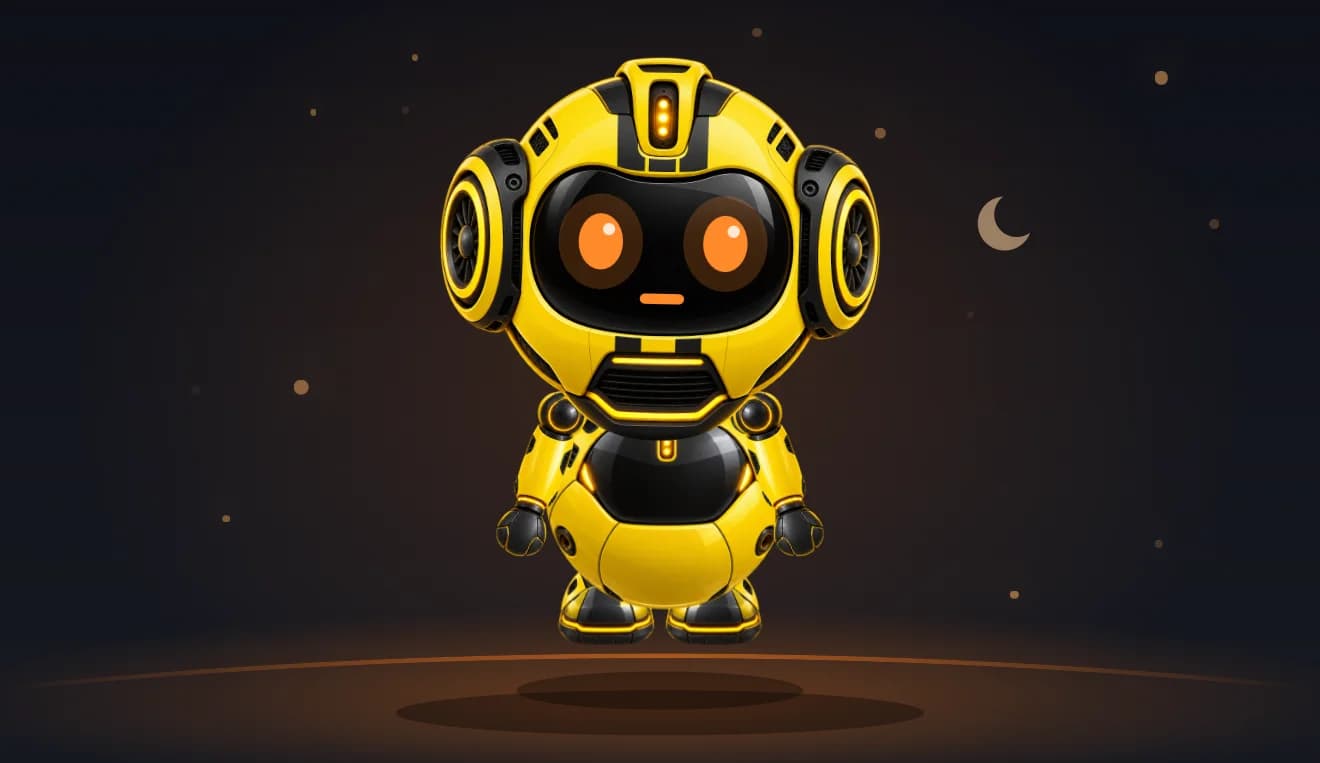
So we gave every car one. Meet the EngineEar companion: a small robot that lives with each car in your garage, looks like your car, answers to the name you give it, and knows your car's history better the more you tell it.
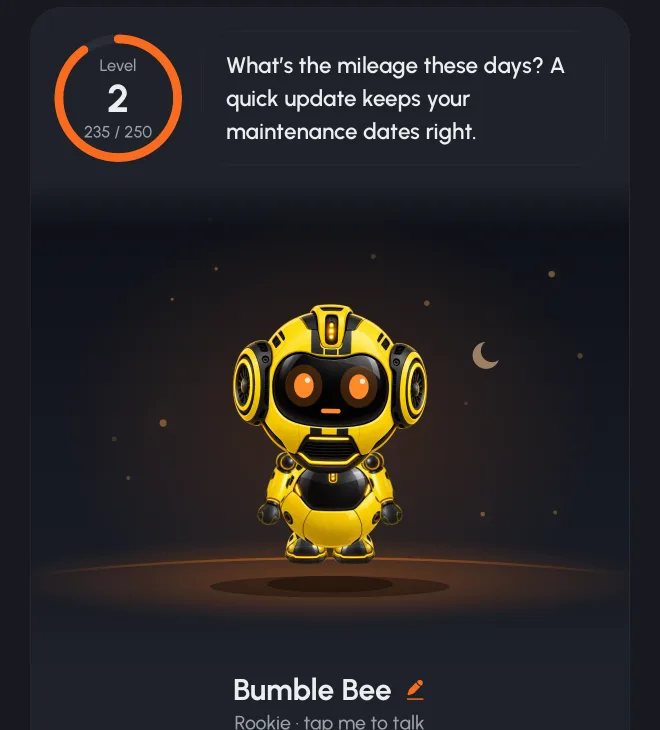
Styled after your car
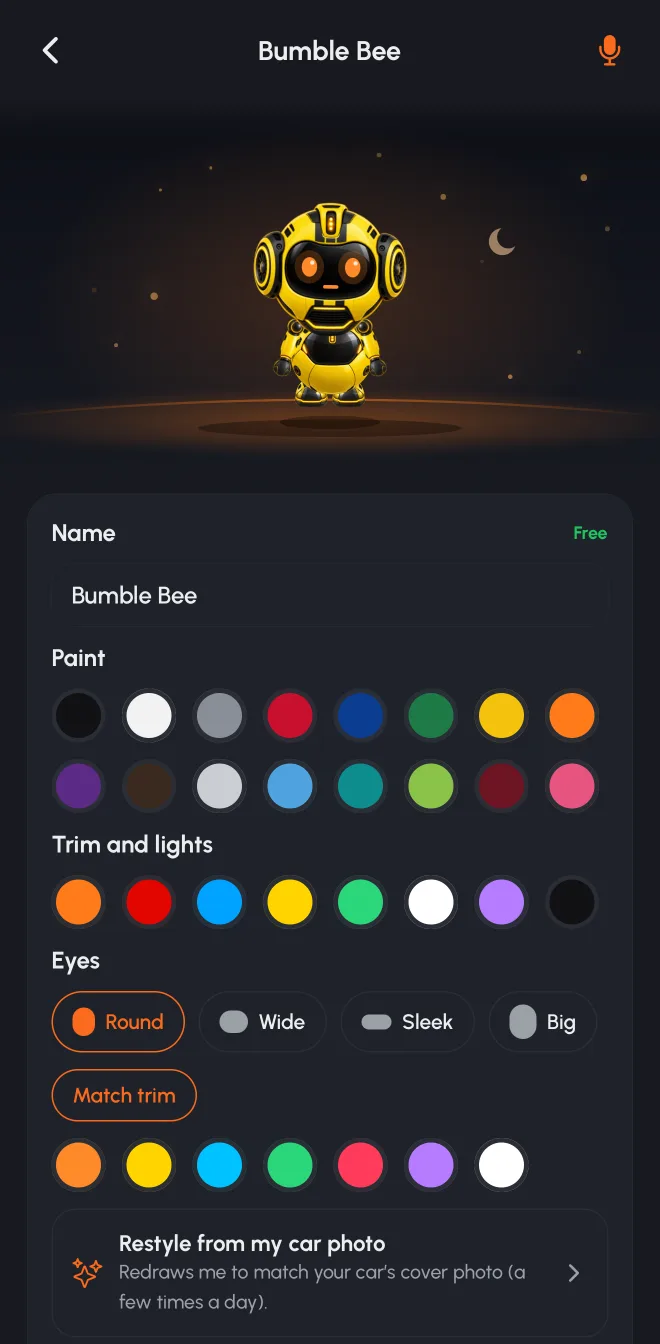
Create a companion from your car's cover photo and EngineEar redraws it in your car's paint, trim and lights. A yellow Camaro gets a yellow robot with black stripes. A white SUV gets a clean white one. Every car's companion moves, blinks, listens and talks with the same animated rig, so it feels alive wherever it appears.
Then make it yours:
- Name it. Naming (and renaming) is always free.
- Paint and trim. Choose from 16 paint colours, plus trim, light and eye colours and eye shapes, and see the change on your companion right away.
- Voice. Pick from ten voices and hear a sample of each before you choose.
- Scenes. Put it on one of six stages, from Ambient Halo to Telemetry Grid.
- Restyle. Changed your car's photo? Redraw the companion to match.
You can try every look and voice for free. Keeping a new paint job, eyes or voice is part of Turbo.
It learns your car
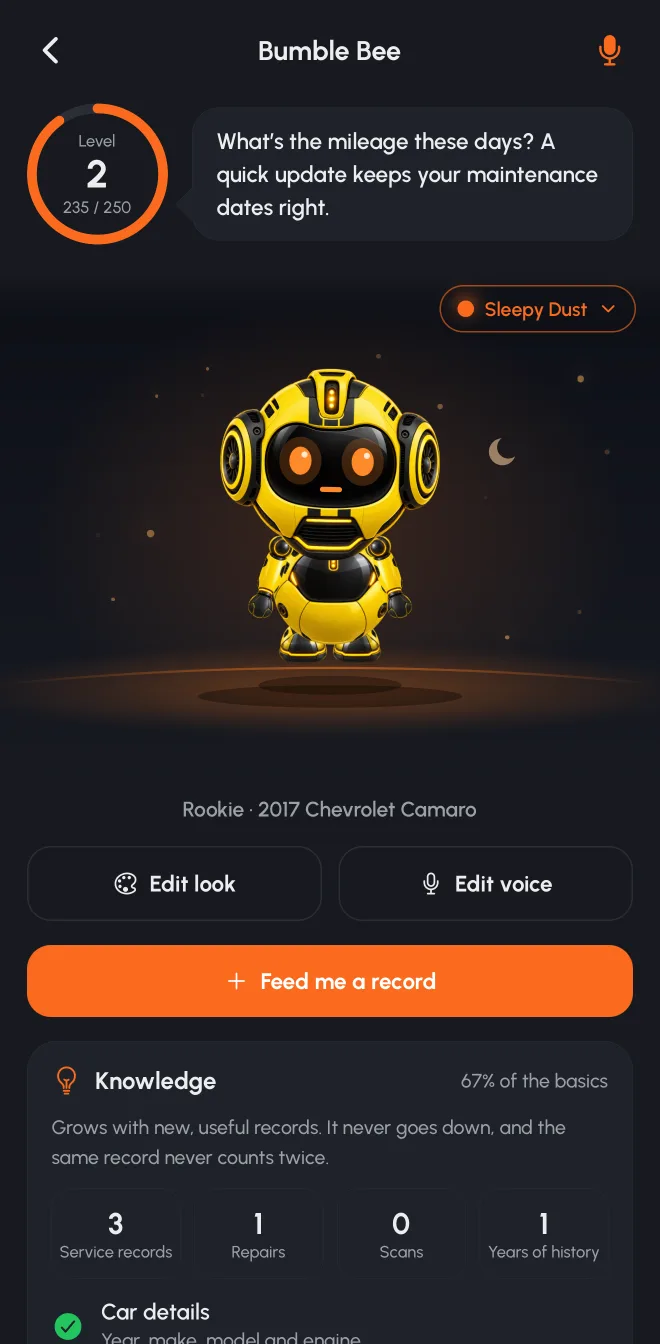
Your companion has a Knowledge level, and it grows only one way: with new, useful information about your car. A documented service record, a confirmed invoice in the Vault, a first scan of a new type, a mileage update, a maintenance plan, the VIN or a recall check. Each piece of information counts once. Uploading the same receipt twice, or logging the same oil change again, doesn't count. Documented records (with a receipt) are worth more than typed ones, and knowledge never goes down.
That's the whole idea: the companion levels up when your car's records get better, which is exactly what makes everything else in EngineEar more accurate.
Mood and Care: honest by design
A companion also has a mood, and here we were strict. Its mood only reflects whether you've visited lately. Leave it for a while and it gets a little sleepy (and, eventually, dusty). It never gets sad because your car has a problem, and its look never changes with your car's condition.
Care shows what's on record: maintenance plans in place, tasks overdue or coming up, open recalls. It's clearly labelled as a records check, not a mechanical health score. A cheerful robot should never make a car look healthier than it is.
And when something serious comes up, like an unsafe scan result, a recall that says don't drive, or an important insight, the jokes stop. Your companion says it plainly.
Ask it anything about your car
Ask EngineEar now speaks as your companion. In our example, the Ask screen becomes Ask Bumble Bee, with its animated face in the chat. It answers from your car's actual records: scans, service history, maintenance plans, recalls and Vault documents. It can search the whole Vault, so "when did I last replace the brakes?" finds that invoice from three years ago, not just your latest uploads. Attach a document or a repair estimate and it'll explain it line by line.
It can also prepare changes for you: a maintenance plan, a service log, a mileage update or a reminder. Nothing is saved until you tap Confirm.
Or talk to it
Prefer to talk? Tap the mic and have a real conversation, hands free. Voice calls only ever start when you tap the mic, never on their own. Every question about your car is answered from the same records as text chat. Ask it to "listen to my engine" and it ends the call and opens EngineEar's guided recorder, because a phone call is no way to diagnose an engine.
A coach for your scans and repairs
Your companion shows up where it's useful:
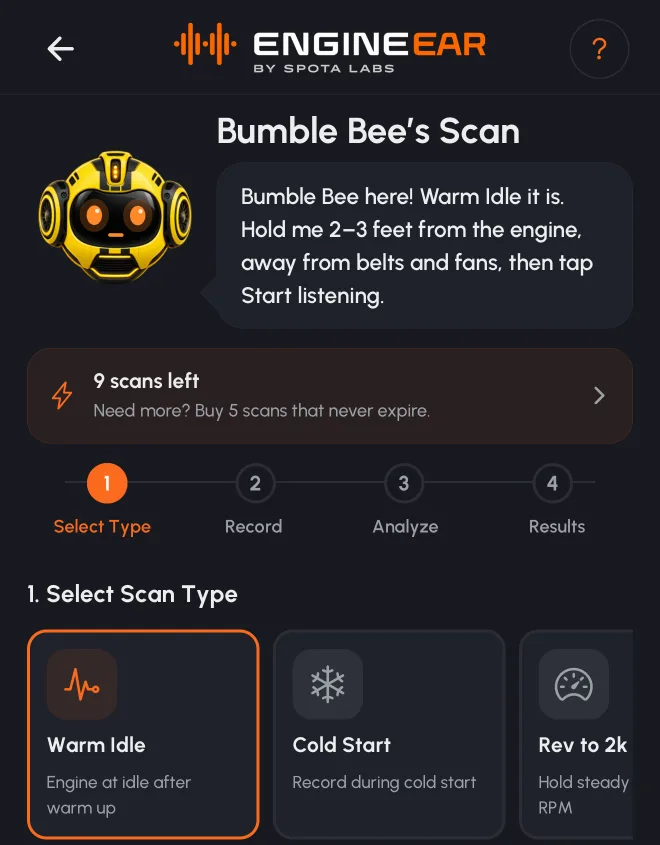
- Engine scans. It talks you through each recording: where to hold the phone, what to do with the throttle, and what the result means afterwards.
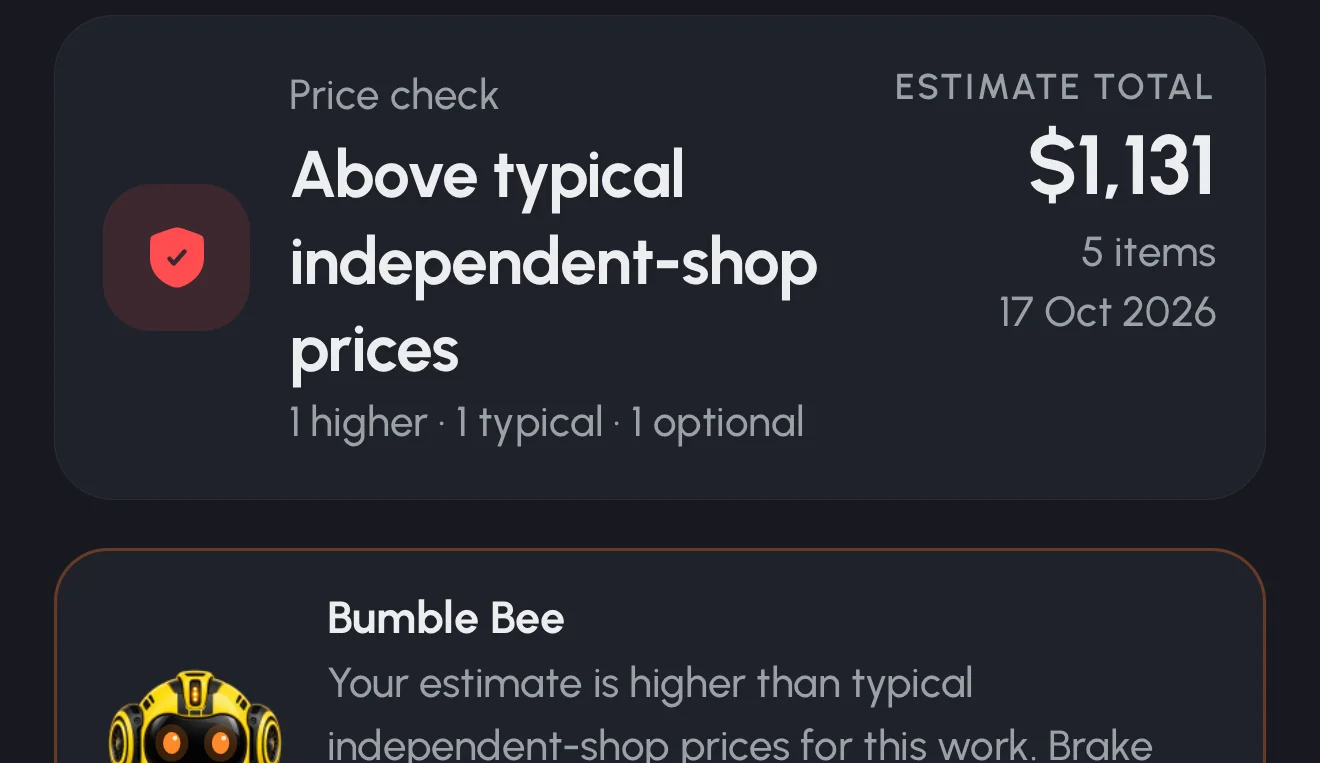
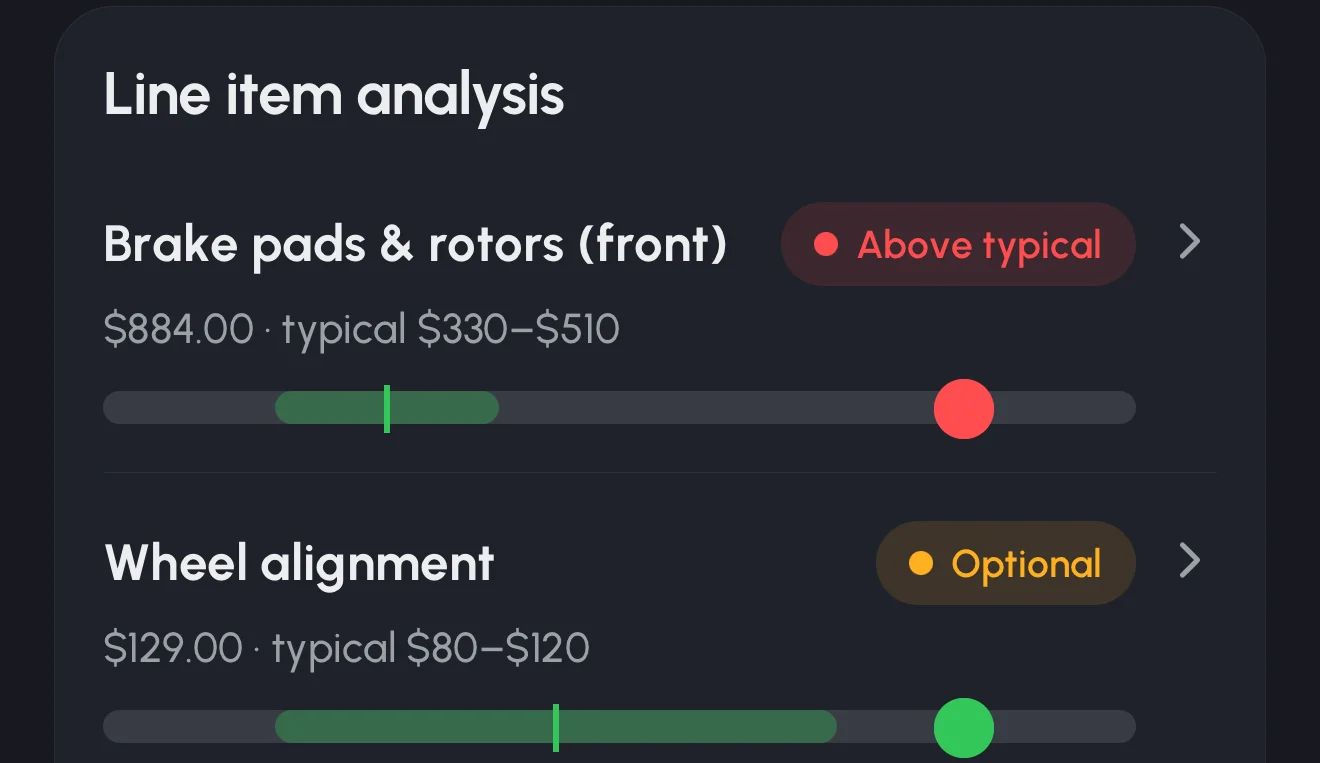
- Repair Check. Scan a shop's estimate and it walks you through the price check and the questions to ask. More on that in Introducing Repair Check.
- The Vault. It reads documents with you before they're saved.
Get started
Open EngineEar, pick a car and tap Create My Companion. It draws itself from your car photo in the background. Then feed it a record: your last service invoice is a great start. Every car in your garage can have its own companion, each with its own name, look and history.
Free accounts get a companion for their car, a few voice minutes and a few Ask questions a day. Turbo adds full customisation, unlimited questions and an hour of voice every month. Learn more about EngineEar.
- engineear
- companion
- ai
- ask
- voice
- product update
EngineEarListen to your engine. Look after your car.