Product update4 min read
Why a Shifta match has to work both ways.
Reciprocal matching, mutual matches and Match Watch: how Shifta decides which owners to show you, why it never shows a car just because you want it, and what happens when you tap Interested.
 By SpotaLabs Team
Every car marketplace can show you cars you'd like. That's the easy half. The hard half, and the reason trading cars has always been so frustrating, is finding the owner of that car who would also like yours.
Shifta's matching is built around that second half. This post explains how a match is decided, what the numbers on a match mean, and what happens after you tap Interested.
The rule: a match has to work in both directions
A car is never a strong match on Shifta just because you want it. For a car to show up as a match, three things have to be true:
- The other owner's car fits your preferences: your dream cars, the alternatives, brands and body styles you're open to, and your deal breakers.
- Your car fits the other owner's preferences, by the same standard.
- The deal is realistic for both of you: the cash difference is within both of your ranges, and the distance works for both of you.
If someone has your dream car but only wants a Porsche 911, and you drive an Audi, they won't appear as a strong match, however good their car is. That's deliberate. A match should be the start of a real conversation, not a long shot.
What's on a match
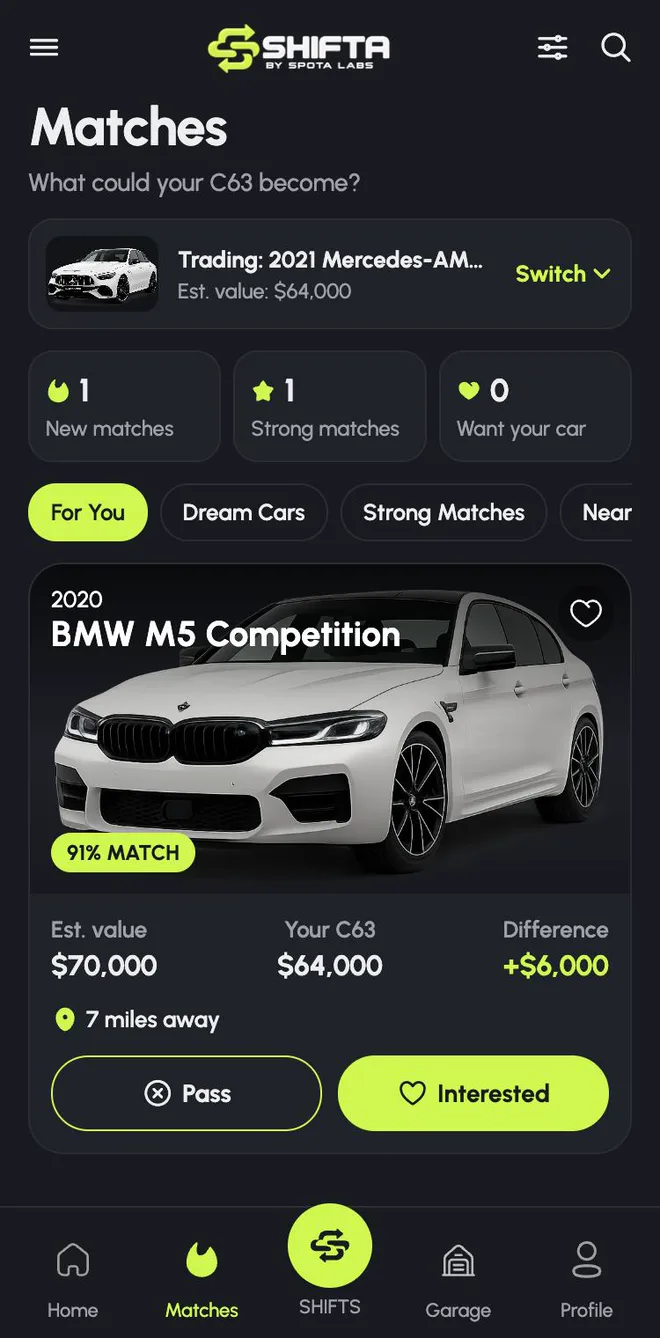
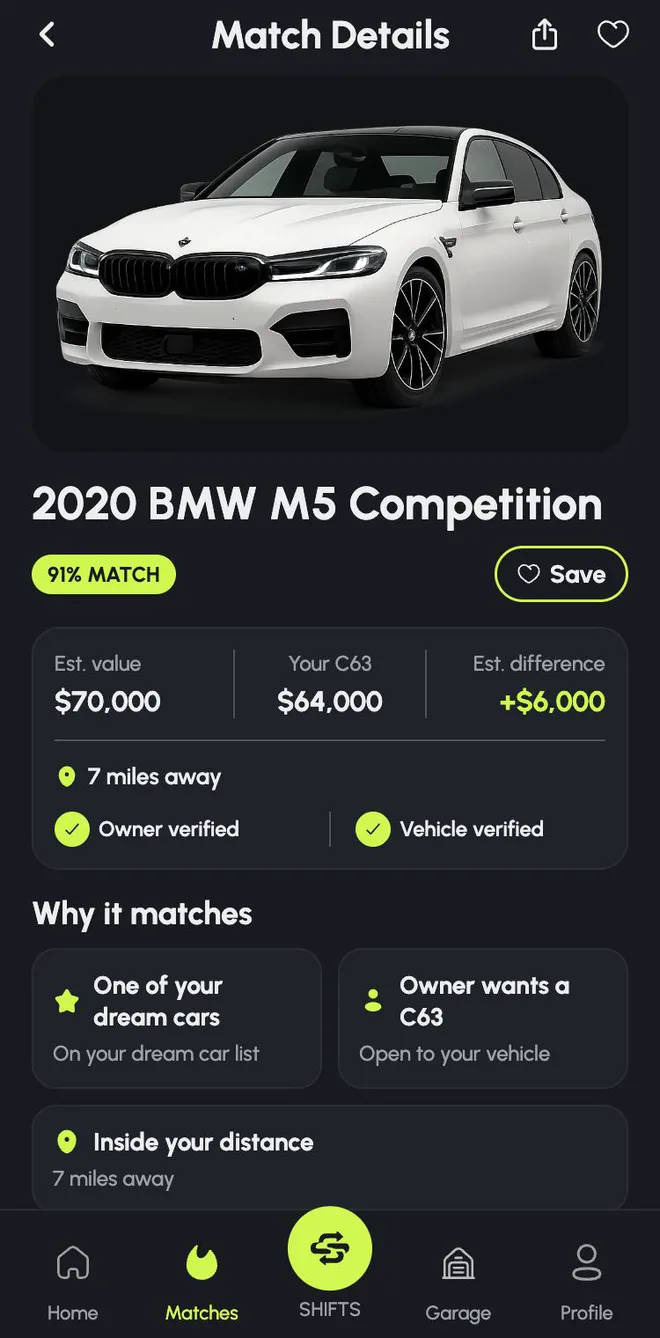
- Match score. How well the pair fits, in both directions. It's built from preferences, economics, distance, the cars themselves and trust signals, and it's reproducible: the same inputs always produce the same score.
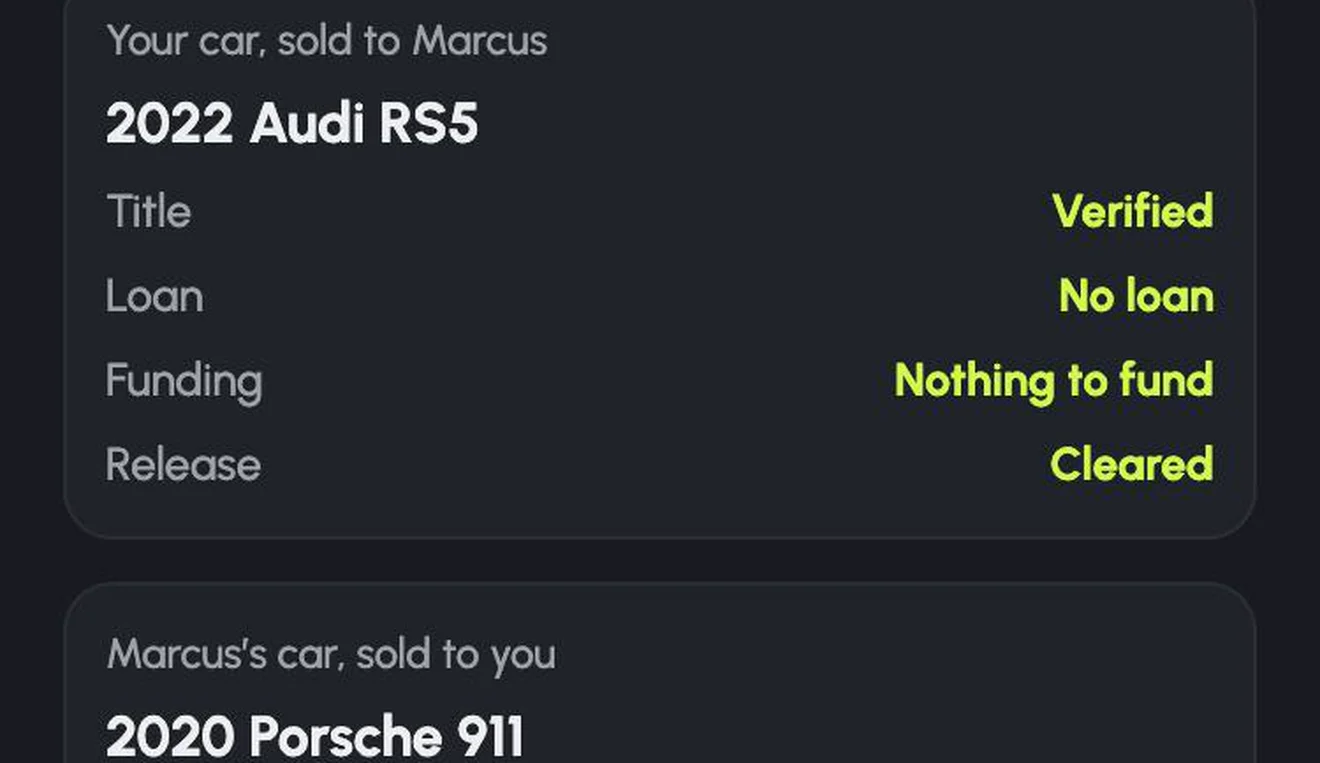
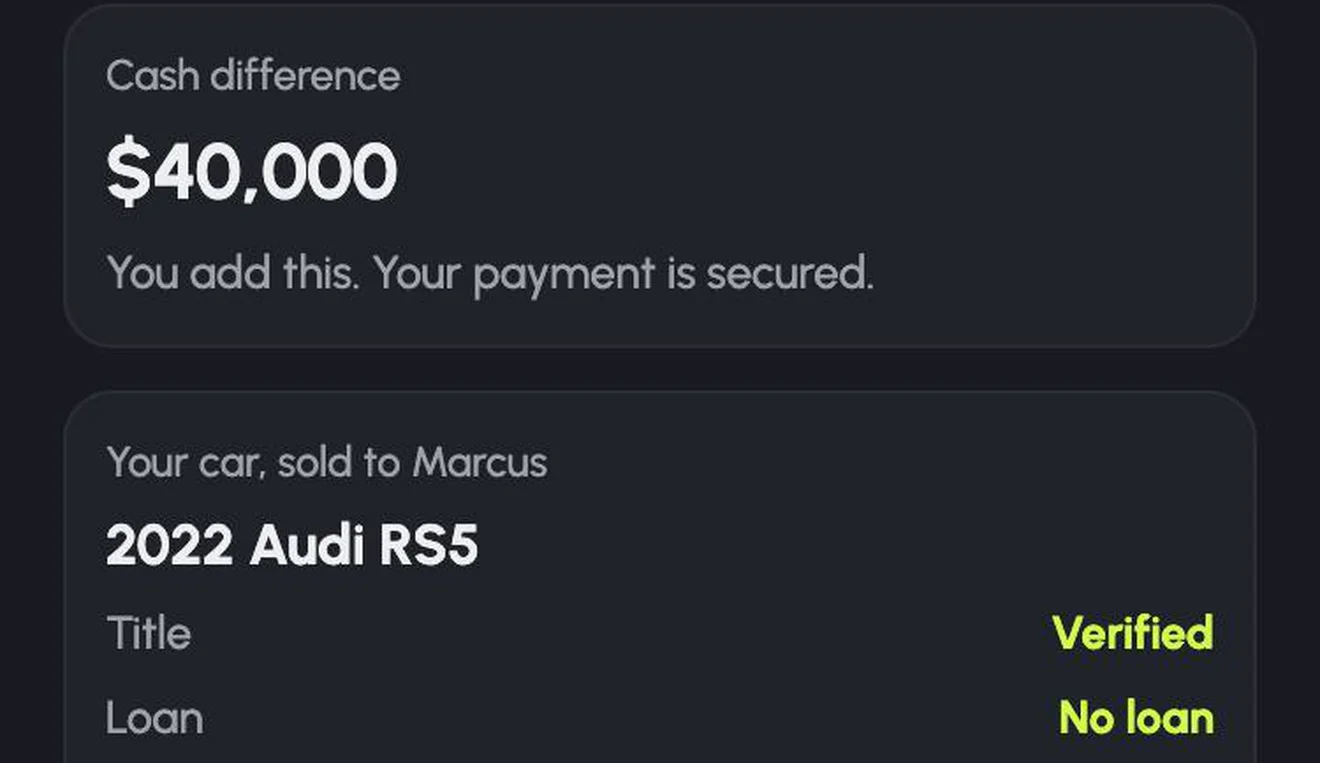
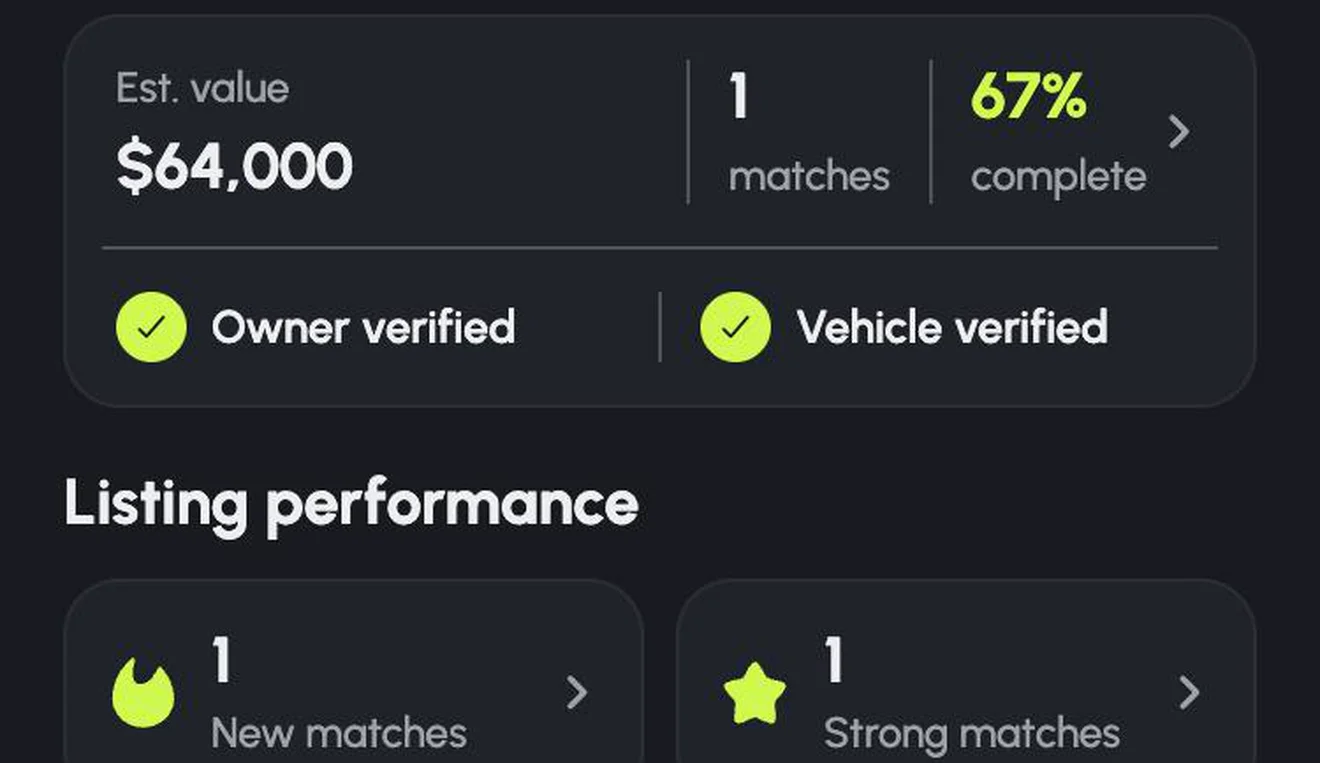
- Estimated values and the difference. Both cars' estimated values, and the cash difference one of you would add.
- Distance. How far away the other car is.
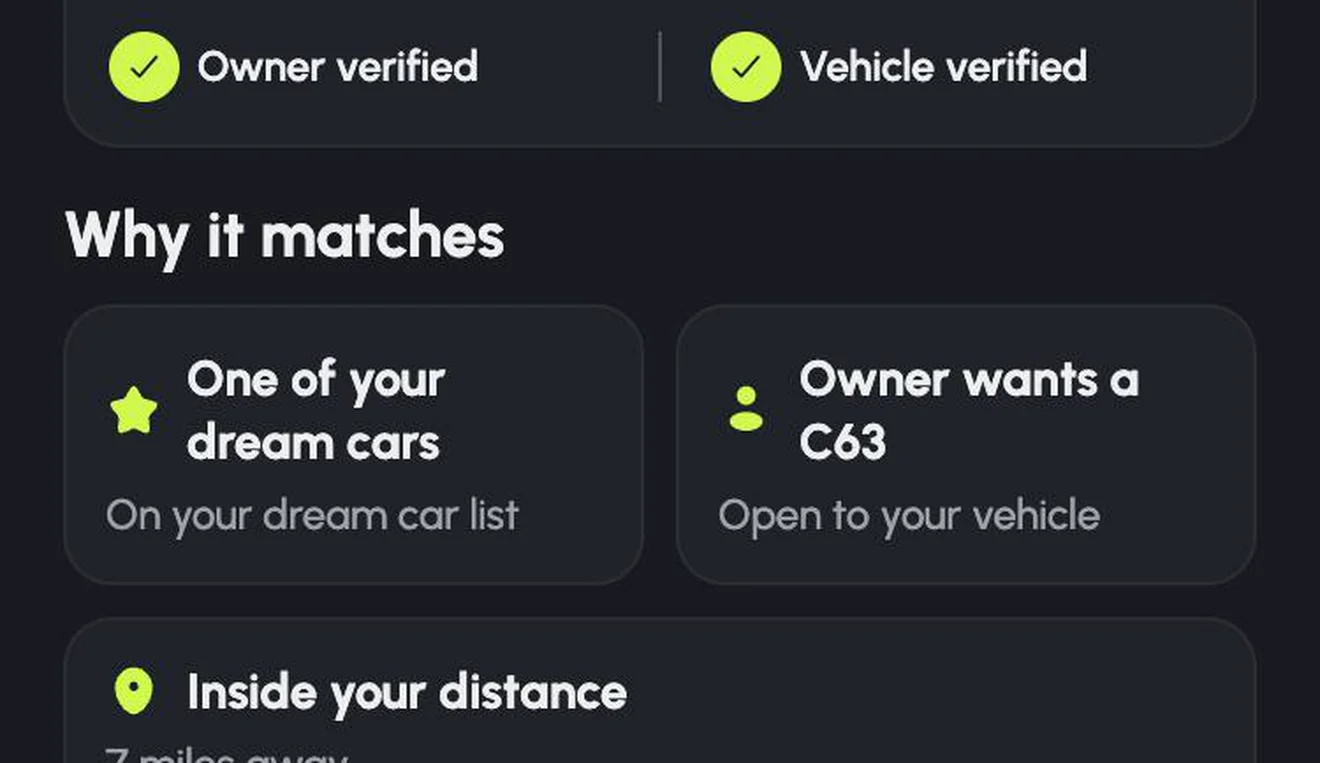
- Why it matches. Plain reasons, such as One of your dream cars, Owner wants a C63, Inside your distance.
- Verification. Whether the owner and the vehicle have been verified.
Deal breakers are hard rules. If you said clean titles only, no ranking or score will ever put a salvage-title car in front of you.
Finding your way around
The Matches tab keeps track of where things stand for your car:
- New matches since you last looked.
- Strong matches, the best fits.
- Want your car: owners whose preferences fit your car.
- Filters for For You, Dream Cars, Strong Matches and Near matches: cars that would match with one small change, like a slightly bigger cash range.
Got more than one car? Each car in your Garage has its own preferences and its own matches. Switch the active car at the top of the Matches tab.
Interested, and mutual matches
On each match you can Pass or tap Interested. When the other owner taps Interested on your car too, it becomes a mutual match, and a Shift Room opens for the two of you to chat, compare the cars side by side, and make an offer.
A mutual match isn't a commitment and doesn't reserve either car. Nothing is binding until an offer is accepted. Read more in Inside the Shift Room.
Match Watch: when the right owner isn't here yet
Sometimes nobody has the car you want, or nobody who has it wants yours. That's normal, especially for rare cars. Turn on Match Watch, and Shifta keeps searching as new owners and cars join, and tells you when the right trade appears.
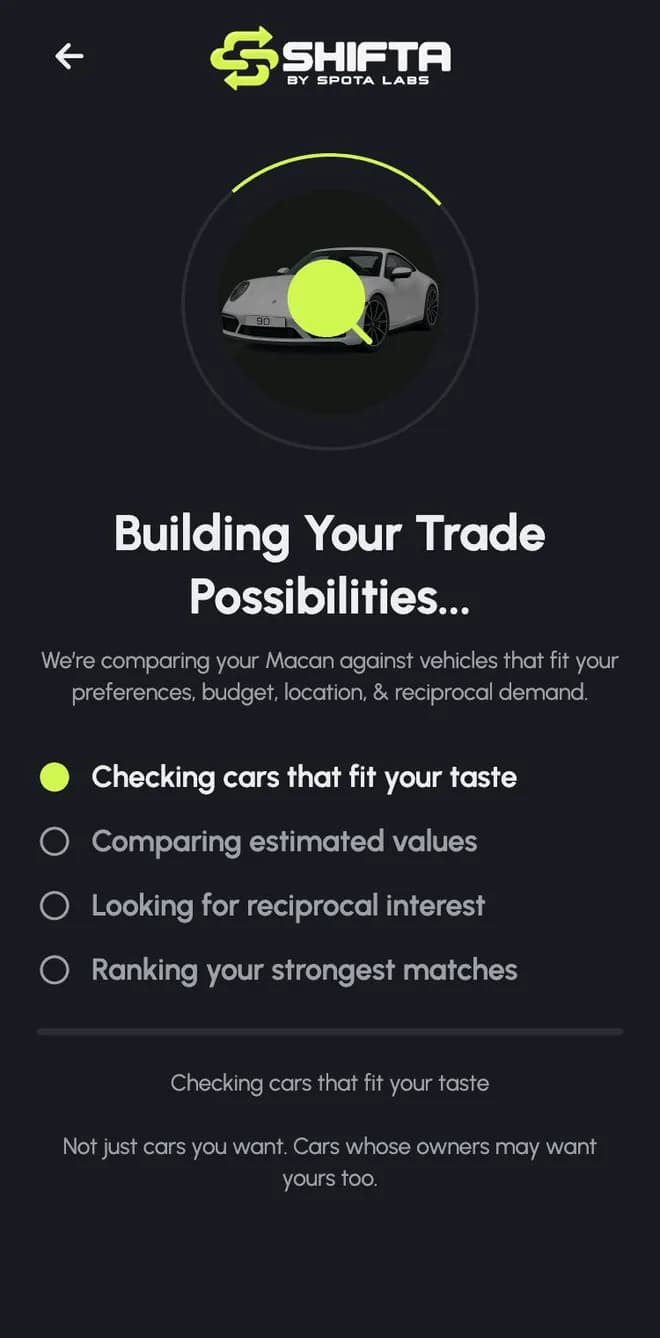
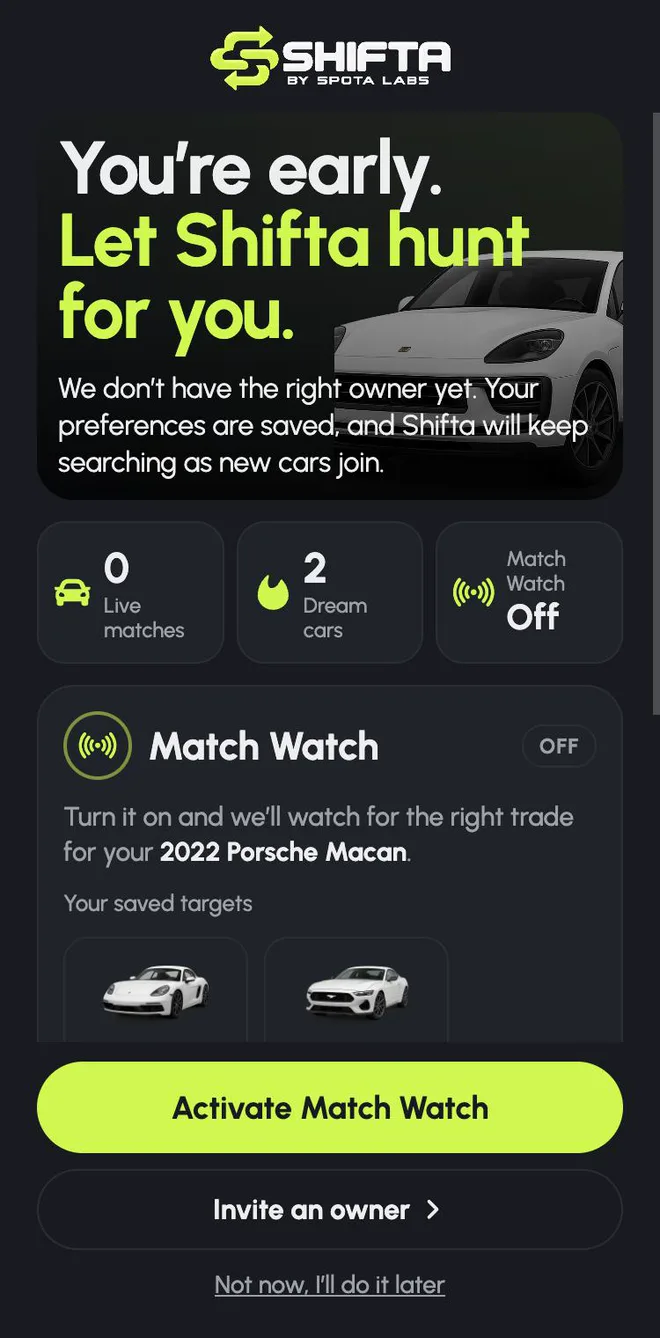
While it's searching, Shifta also shows meaningful activity: how many owners want a car like yours, near matches, and unlocks. An unlock is a change you could make, like Expand to 500 miles or Increase cash range to $15k, along with exactly how many extra matches it would add. Those counts are calculated, not estimated: Shifta reruns the match with the change applied, in both directions, and only counts pairs that become real matches.
Try it
Add your car, tell Shifta what you'd accept, and see who wants it. New to trading? Start with How to trade your car for another car without a dealer.
- shifta
- matching
- mutual matches
- match watch
- product update
ShiftaSkip the sale. Trade into your next car.